Google AI Max migration: the September 1 agency checklist
Google starts force-migrating campaign-level Broad Match and auto-created assets to AI Max on September 1. What agencies and their clients should expect.
Contents
On September 1, Google begins moving Search campaigns onto AI Max whether the account owner asked for it or not. The first wave covers campaigns using campaign-level Broad Match or standalone automatically created assets. Dynamic Search Ads follow in February 2027. None of it requires approval, which is exactly why it deserves attention now. Here is what is changing, what it means for an agency running client accounts, and what clients may notice before anyone tells them.
What is actually migrating
Two legacy features are reaching end of life. Campaign-level Broad Match, the setting that overrides individual match types across a whole campaign, and standalone automatically created assets, the older feature that let Google write ad variations on its own. Both stopped being available for new campaigns on August 3. Google removed the option across the Ads interface, Ads Editor, and the API on the same day.
Campaigns that still carry either setting get migrated in place during September. Google says the migration uses equivalent AI Max settings and that existing brand inclusions and exclusions carry over automatically. The campaign keeps running through the switch. Nobody gets a confirmation dialog.
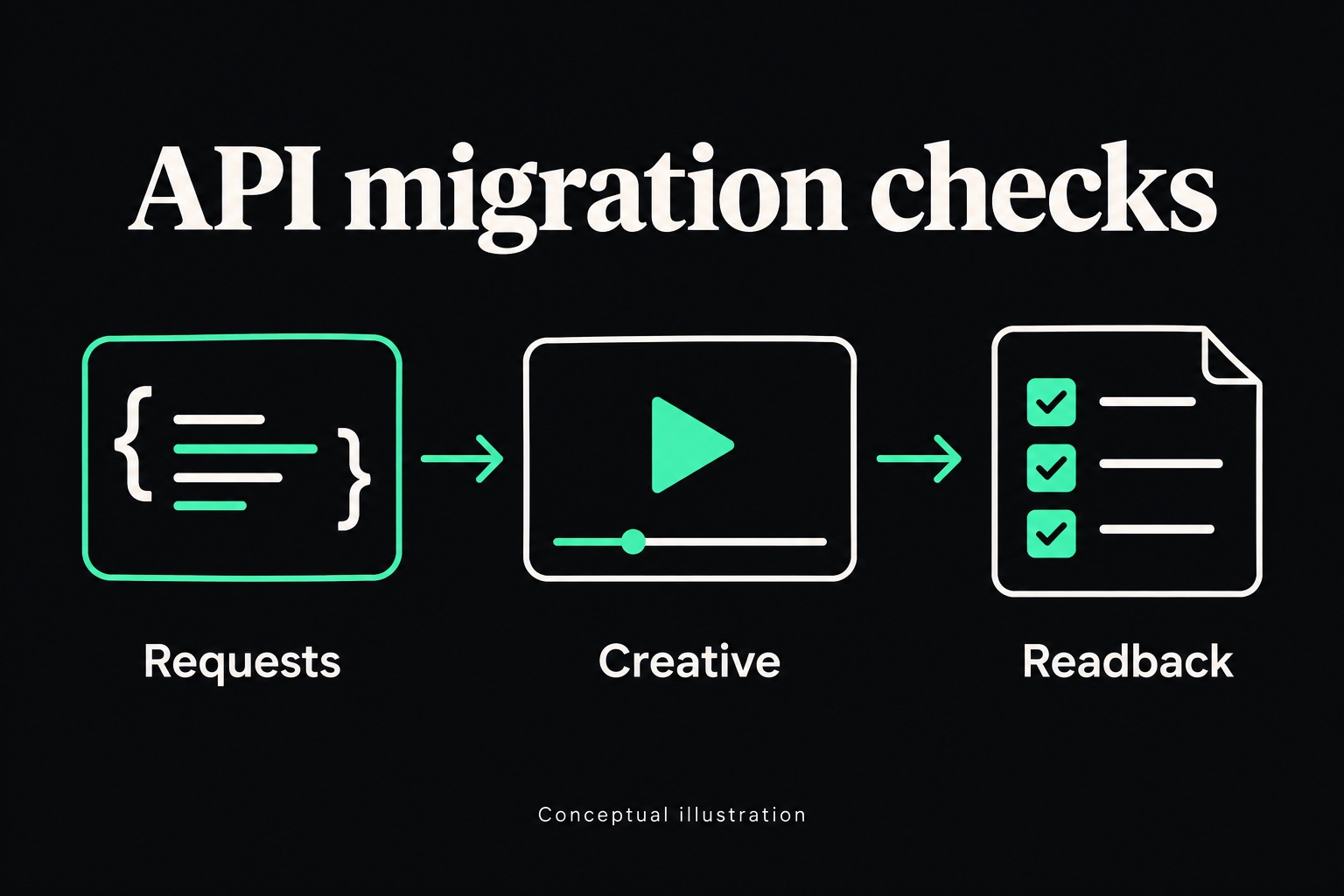
Developers get a longer runway on paper, but only on paper. API versions released after September 1 drop the legacy entities entirely, and older versions keep working only until their normal sunset, expected around September 2027. Scripts that reference the old structures will start throwing deprecated-entity errors as versions roll forward. The details are in Google's developer notice.
Scroll sideways to see all columns.
| Date | What happens |
|---|---|
| August 3, 2026 | Creation of new campaign-level Broad Match and legacy ACA blocked in the UI, Ads Editor, and API |
| September 1–30, 2026 | Automatic migration of campaign-level Broad Match and ACA campaigns to AI Max, rolling through the month |
| September 2026 | In-account notices begin encouraging voluntary Dynamic Search Ads upgrades |
| January 15, 2027 | Reminder notifications to advertisers still running legacy Dynamic Search Ads |
| February 1–28, 2027 | Automatic Dynamic Search Ads migration; creating new DSA ad groups is permanently removed |
| ~September 2027 | Older API versions supporting the legacy entities reach their expected sunset |
What AI Max changes inside the account
AI Max is not one feature. It is a bundle Google attaches at the campaign level, and the pieces that matter most for day-to-day management are the ones that act without being asked.
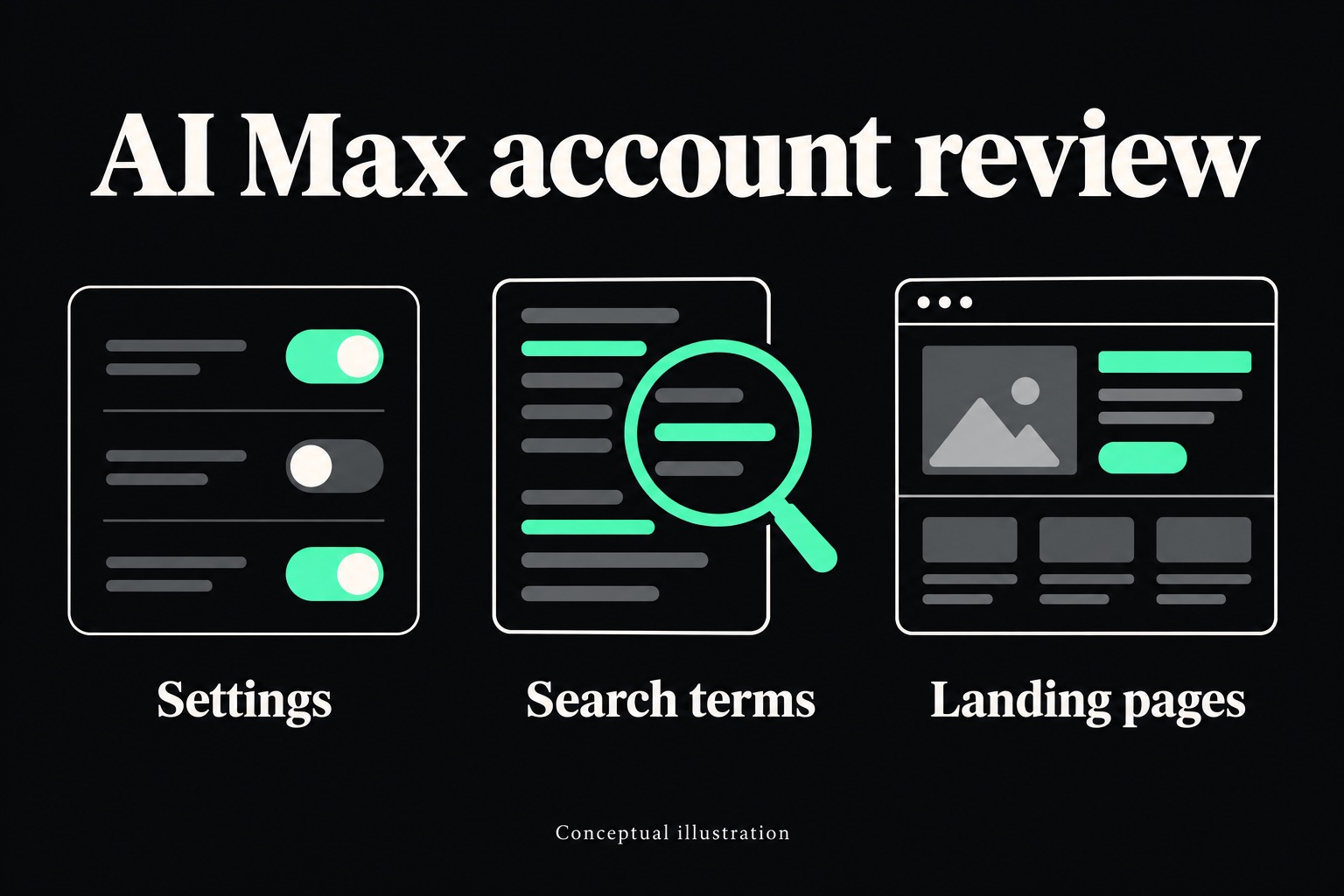
Search term matching goes broader than the keyword list. The system matches queries it judges relevant to the campaign's intent, including queries no keyword would have caught. Text customization generates headlines and descriptions from the landing page and existing ads. Final URL expansion can send a click to a different page on the site than the one the campaign specified, when the system decides that page fits the query better.
Each of these has controls, and the brand inclusion and exclusion lists survive the migration. But the defaults lean toward more automation, and a migrated campaign should be treated as a changed campaign. Google's own pitch for AI Max includes a conversion lift figure. That number is Google's, measured on Google's terms, and it belongs in a sales deck, not a client forecast.
What this means for an agency
The first problem is inventory. Most shops do not have a current list of which client accounts still carry campaign-level Broad Match or legacy ACA, because those settings were often enabled years ago by whoever ran the account before. That list is the exposure map, and building it is an afternoon of work now or a month of confused reporting later.
The second problem is comparability. September numbers will not line up cleanly against August in any migrated campaign. Search term mix shifts, ad text changes, and landing pages can change, all in the same window. Annotate the migration date in every affected account before it happens. When a client asks in October why the trend bent, the answer should already be written down.
The third problem is the client conversation itself. Google starts putting migration notices inside accounts in September. Clients who log in will see them. The agency that explains the change before the platform does looks like it runs the account. The one that explains it after looks like it found out at the same time as the client, and in some shops that will be the truth.
Teams running their own reporting scripts or bid tooling against the API have a fourth problem, and it has a hard edge. Anything referencing the legacy entities needs updating before the version treadmill removes them.
What clients will notice day to day
A client does not read platform changelogs. A client reads their own dashboard, and in September some of what they see will look unfamiliar.
The search terms report will show queries nobody chose. Some will be good. Some will be strange enough to trigger an email. Ad previews and screenshots will include headlines no one at the client approved, because the system wrote them. And a client who clicks their own ad may land on a page that was never part of the media plan, courtesy of final URL expansion.
None of this is malfunction. It is the product working as designed. But to a client who was not warned, it reads as drift. The account feels less controlled, at the exact moment the agency needs it to feel more controlled. A short note sent before the migration window, in plain language, converts all of it from alarming to expected.
The checklist before September 1
- Pull every active Search campaign across client accounts and flag any with campaign-level Broad Match or standalone automatically created assets enabled.
- Export current settings and a search-term baseline for each flagged campaign, so there is a before to compare the after against.
- Review brand inclusion and exclusion lists now. They carry over as-is, which means gaps carry over too.
- Update API scripts and tooling that reference legacy entities to AI Max equivalents.
- Annotate the migration window in every affected account's change history and reporting.
- Send clients a short note explaining what will change in their reports, before Google's in-account notices do it for you.
Frequently asked questions
Does this affect every Search campaign?
No. The September 1 wave covers only campaigns using campaign-level Broad Match or standalone automatically created assets. Keyword-level match types are not part of this migration. Dynamic Search Ads stay untouched until February 2027, with notices starting in September.
Can the migration be avoided?
Not for campaigns that keep the legacy settings. An account can restructure before the window so the setting is no longer in use, which is a rebuild rather than an opt-out, and usually more disruptive than the migration itself. For most accounts the practical move is to prepare for it.
Do brand exclusions carry over?
Google says existing brand inclusions and exclusions transfer automatically. Treat that as probably true and verify anyway. Check the lists in each migrated campaign once it flips, because a list that was incomplete before the move is still incomplete after it.
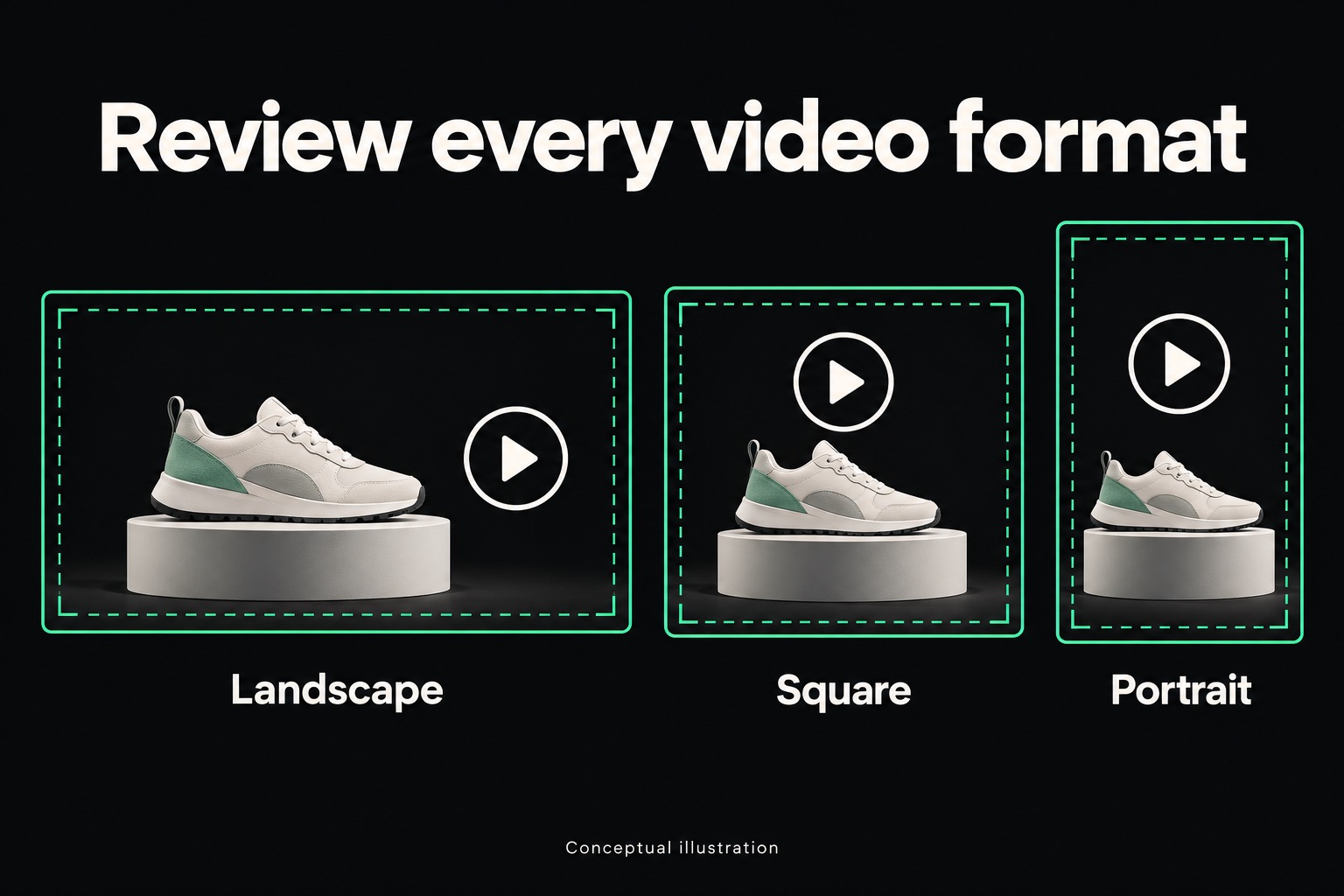
The pattern here is bigger than one deadline. Platforms now ship control changes on their own schedule, from this migration to AI-generated video resizes in PMax, and the accounts that absorb them well are the ones where someone was watching before the change arrived. That is the discipline this work actually runs on.
Sources · 2
- Google sets AI Max migration timeline for Search campaigns — Search Engine Land, Aug 14, 2026. The migration timeline and key dates.
- Migrate Campaign-level Broad Match and Automatically Created Assets to AI Max — Google Ads Developer Blog. The two-phase migration and API deprecation detail.
Adrian Vale
Product value optimization: Google Ads beta checks
Google Ads product value optimization lets retailers signal product priorities. Check the beta's scope, agree on client goals, and plan a measured agency test.
PMax AI video resizing: opt out by September 4
Google Ads is using generative AI to auto-create missing PMax video aspect ratios by default. Agencies have until September 4 to opt client accounts out.
Meta Marketing API v26 migration: the agency checks
Plan Meta Marketing API v26 migration with verified deadlines, placement and creative checks, and a client handoff that catches silent configuration changes.